Testing the Redraw Lifecycle in Sandbox
Last updated: November 14, 2025
Testing the redraw lifecycle in Sandbox – triggering a new event status and automatic patient communications – can be done in 3 quick steps.
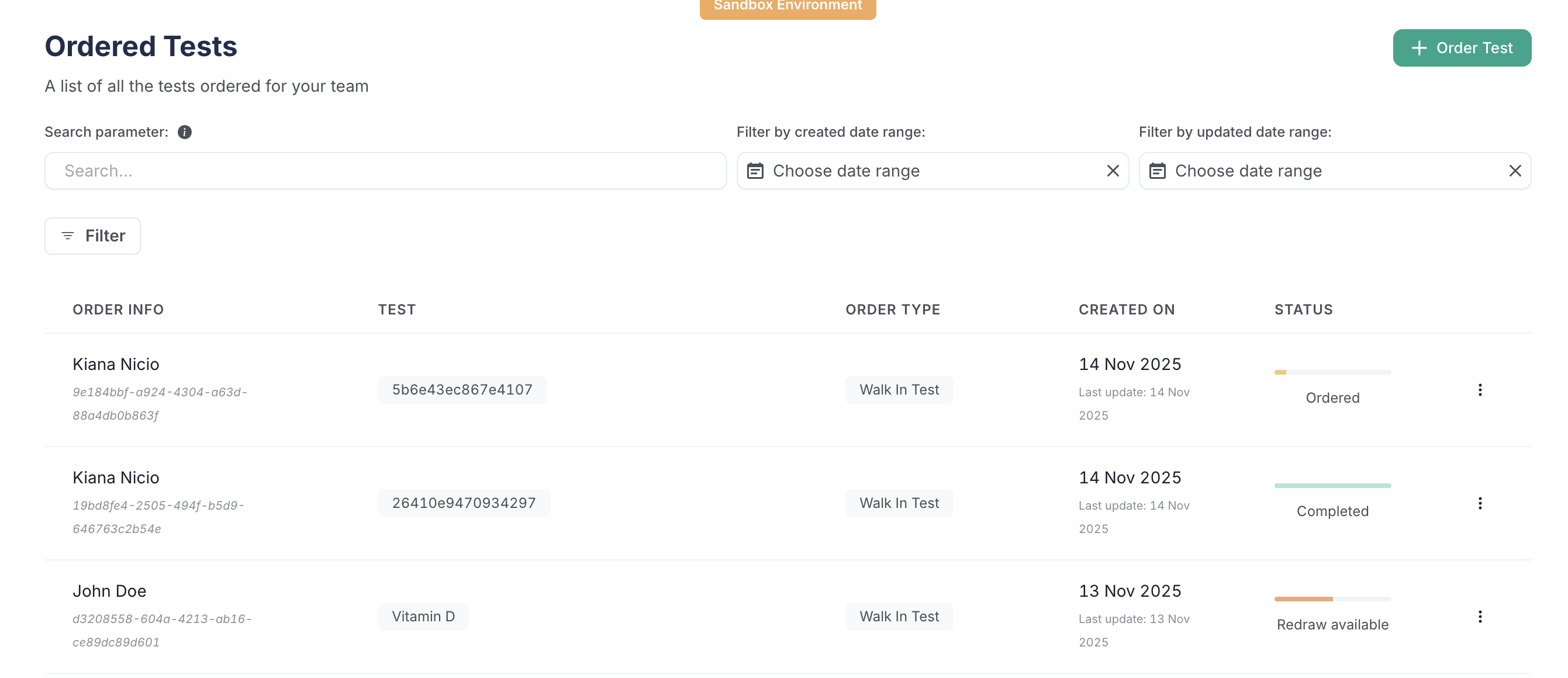
Step 1: Create a Walk-in Order
In the Orders Tab and create a new order. Ensure the order is a walk-in collection through Quest, Labcorp, or Bioreference.
Step 2: Take Action in the Order Side Menu
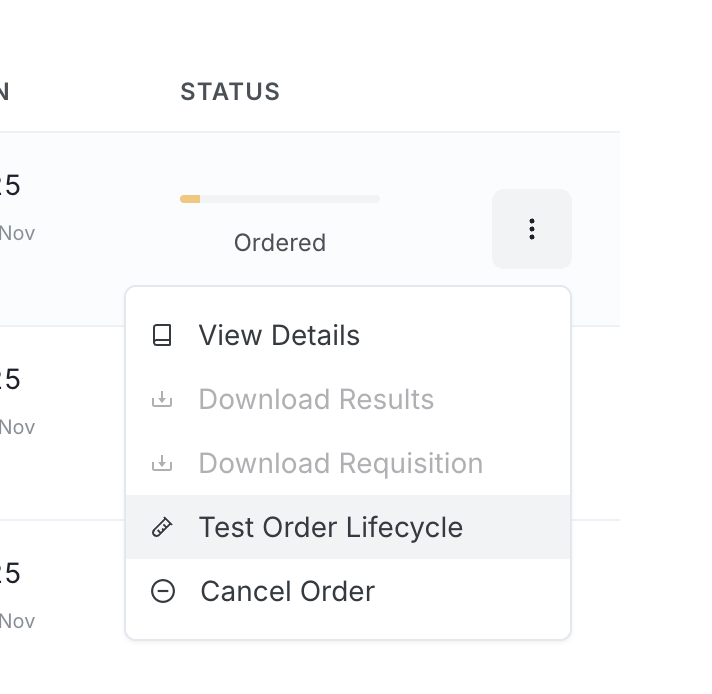
Open the three-dot menu next to the new order and select 'Test Order Lifecycle' to get the order to 'Requisition created' status. This should take less than 3 seconds.
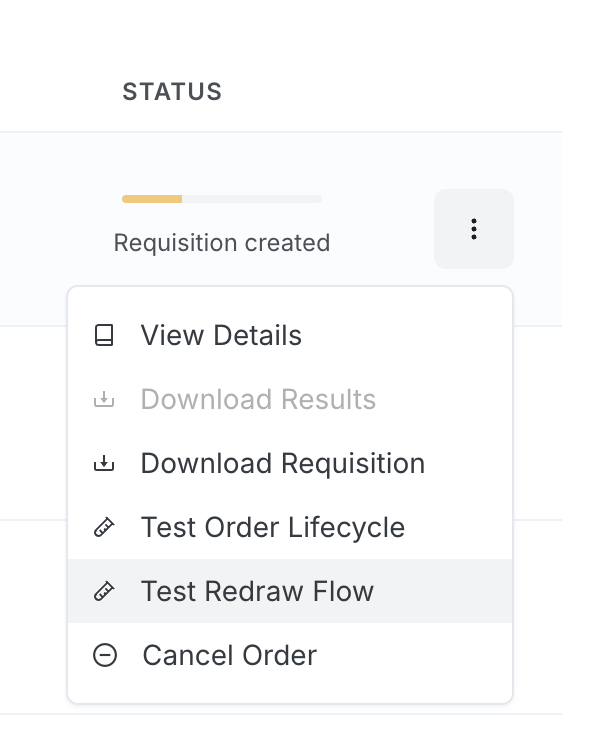
Once the order status is 'Requisition created', reopen the three-dot menu and select 'Test Redraw Flow'. You should observe the status go to 'Partial results' > 'Redraw available'.
Step 3: Check Webhooks, Statuses, and Comms
A successful test will result in the following:
'Redraw available' status in the Orders tab
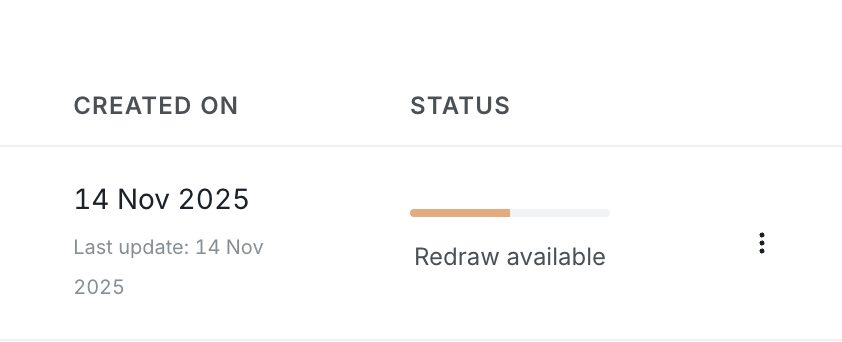
'Missing Results' flag and "Redraw Available' status in the Results tab
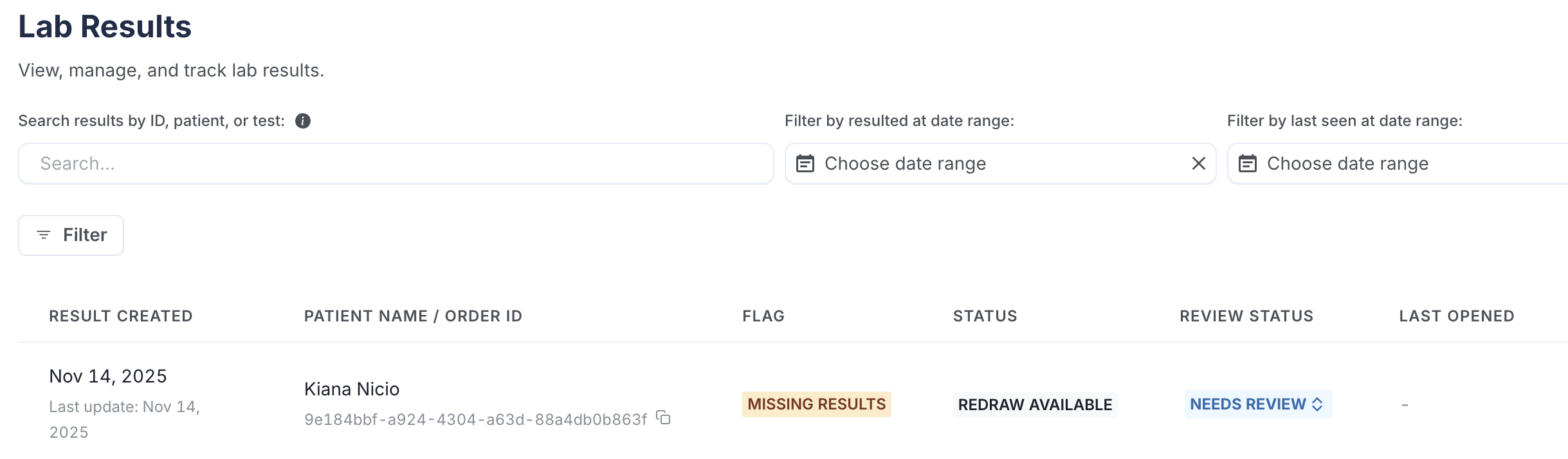
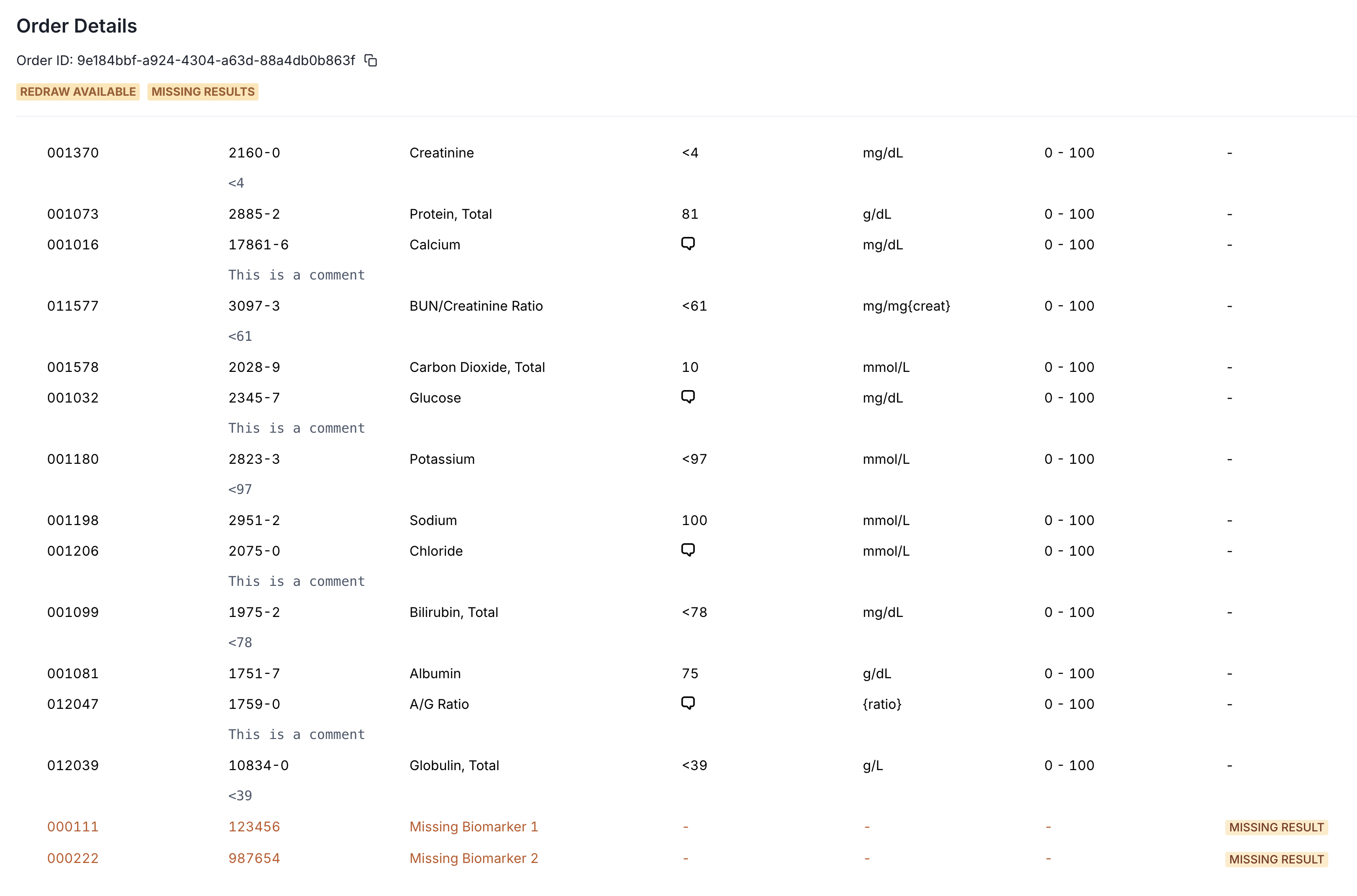
'Missing result' flag within the Order Details (Results) view, specific to the biomarkers that were missing in the final result.
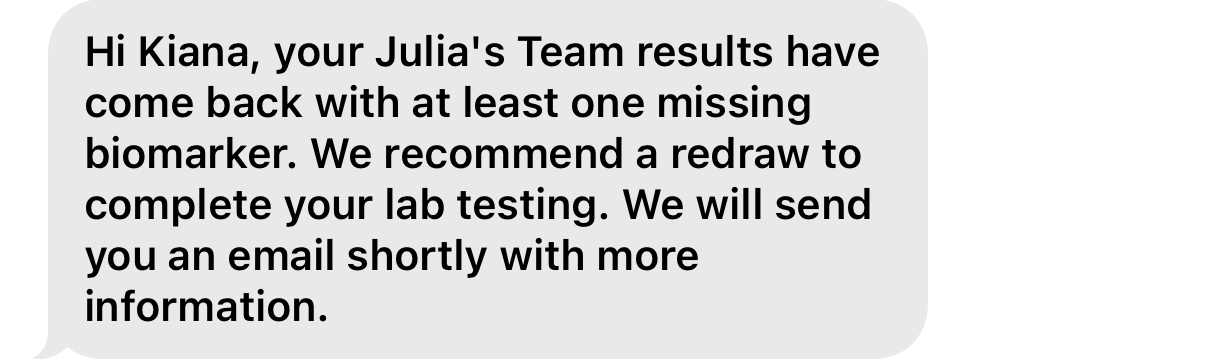
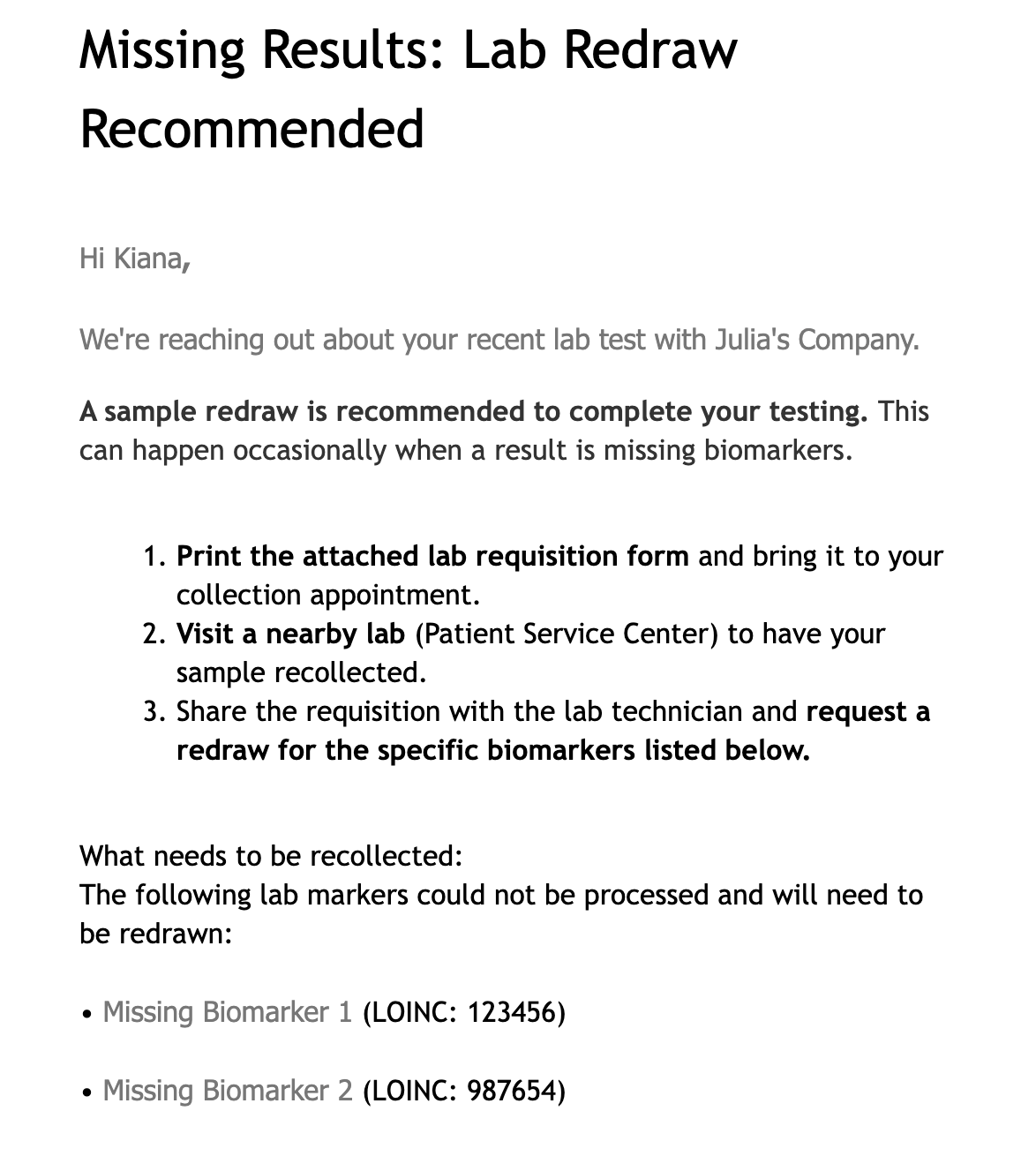
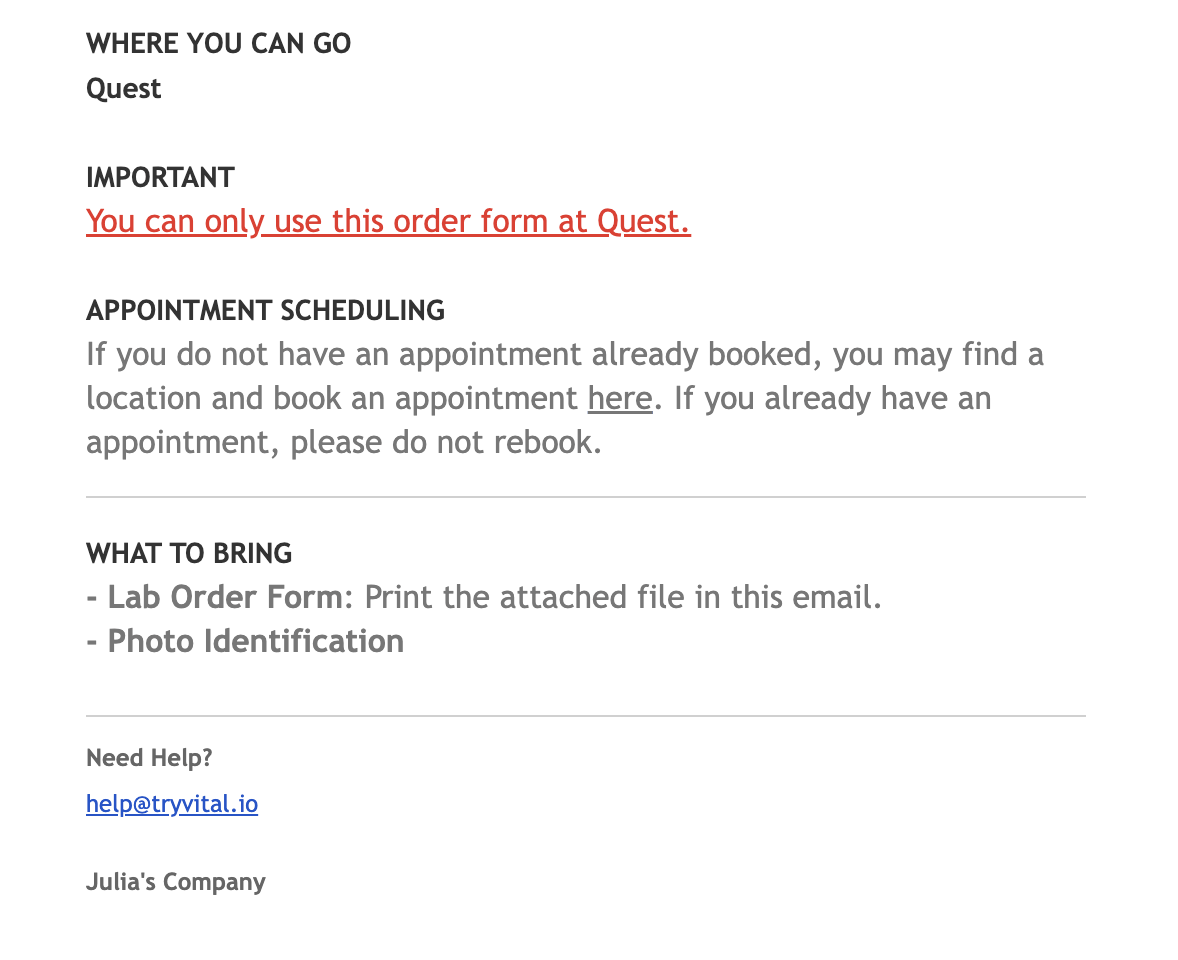
If enabled for your team, automatic patient SMS and email communications related to the order.
SMS Template:
Email Template:
A labtest.order.updated webhook will be triggered with the redraw_available order event.
Still have questions? support@junction.com
Want this feature enabled? Reach out to your Junction CSM.